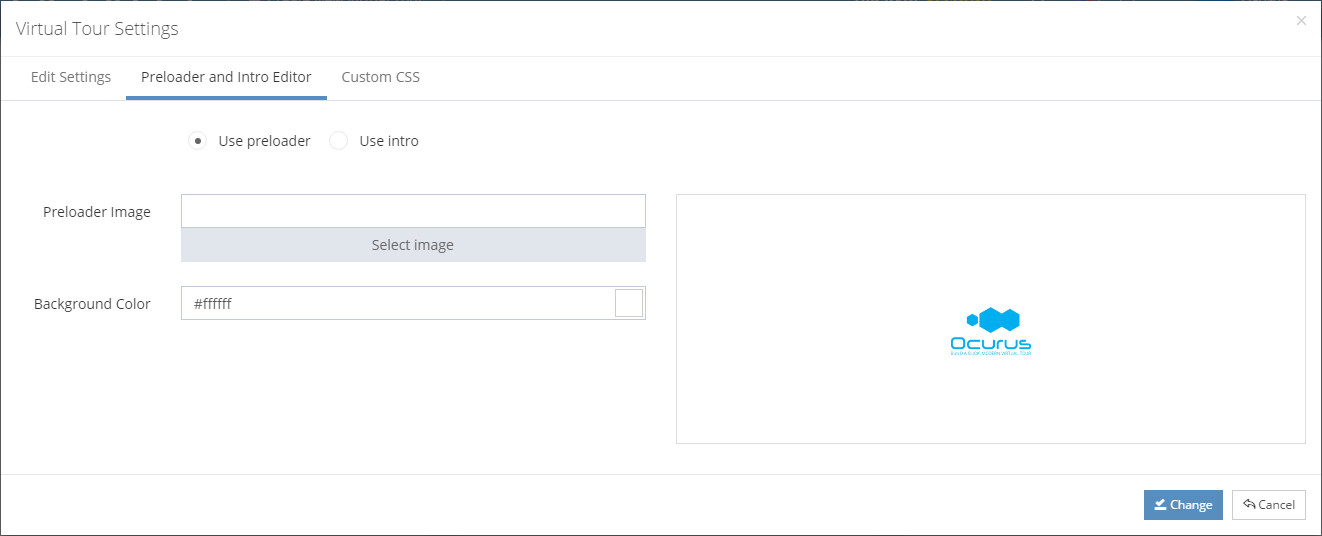
Hello, In this tutorial I will show you how to add custom preloader into your virtual tour. Preloader can be an animated image (GIF based screen) which will show when your virtual tour is starting.
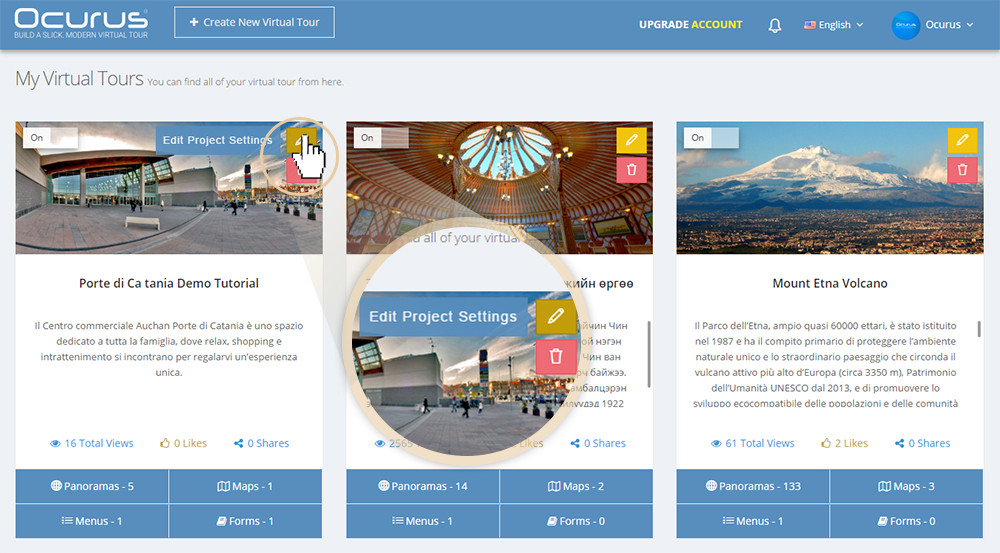
First of all, you must click on the "Edit Virtual Tour Setting" icon. Click the "Preloader and Intro Editor" tab from the popup window. We recommend a small preloader gif image and choose the same background color to ensure the quick load.