
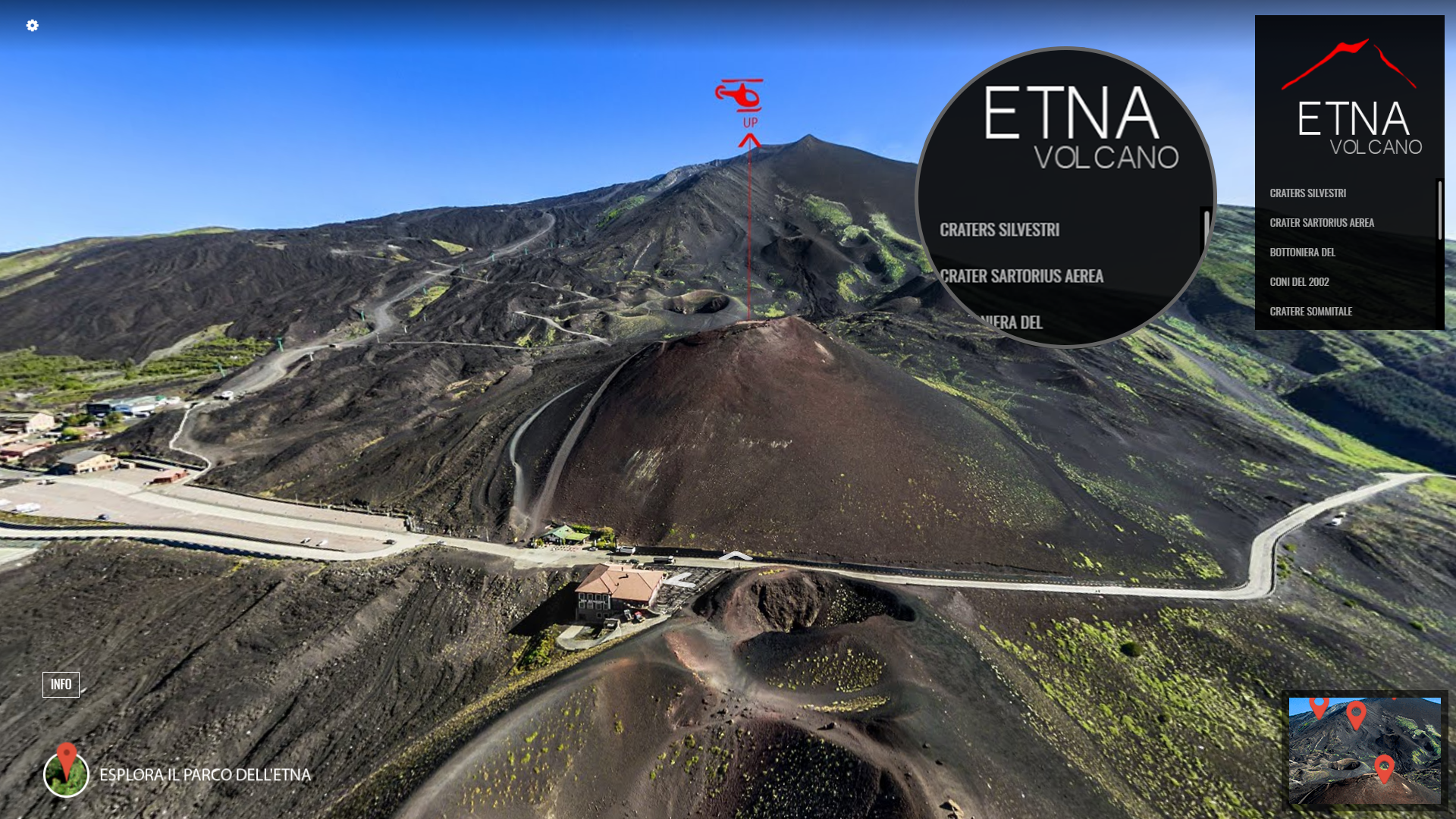
Enable Navigation Menu to display the best locations in your virtual tour through a single click. Especially the larger tours often have most of the panoramas undiscovered. Navigation Menu aims to resolve this.
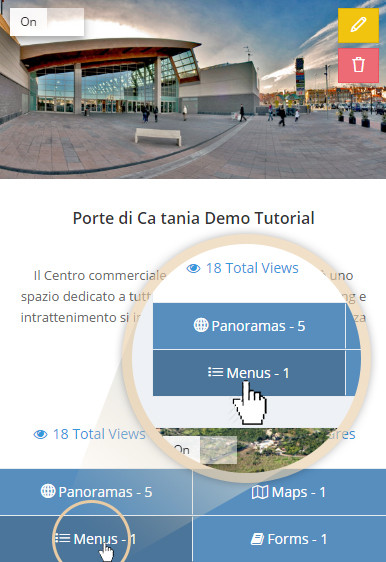
In this tutorial I will show you how to create navigation menu. Click on the "Menus" button to open "Navigation Menu Manager" screen.
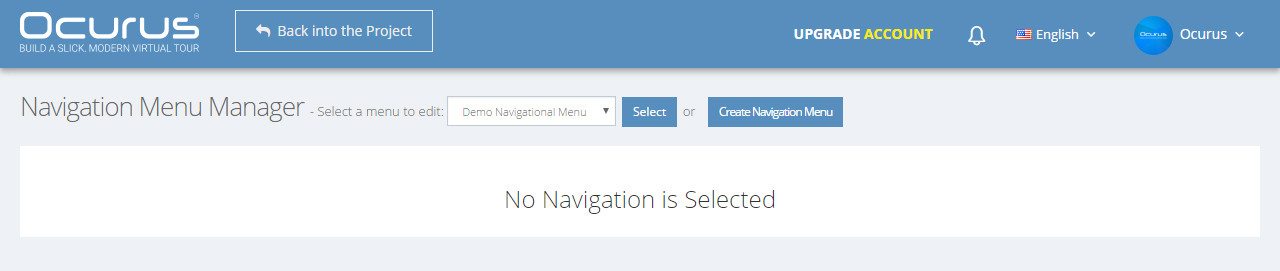
Click on the "Create Navigation Menu" button from the previous screen to open modal.
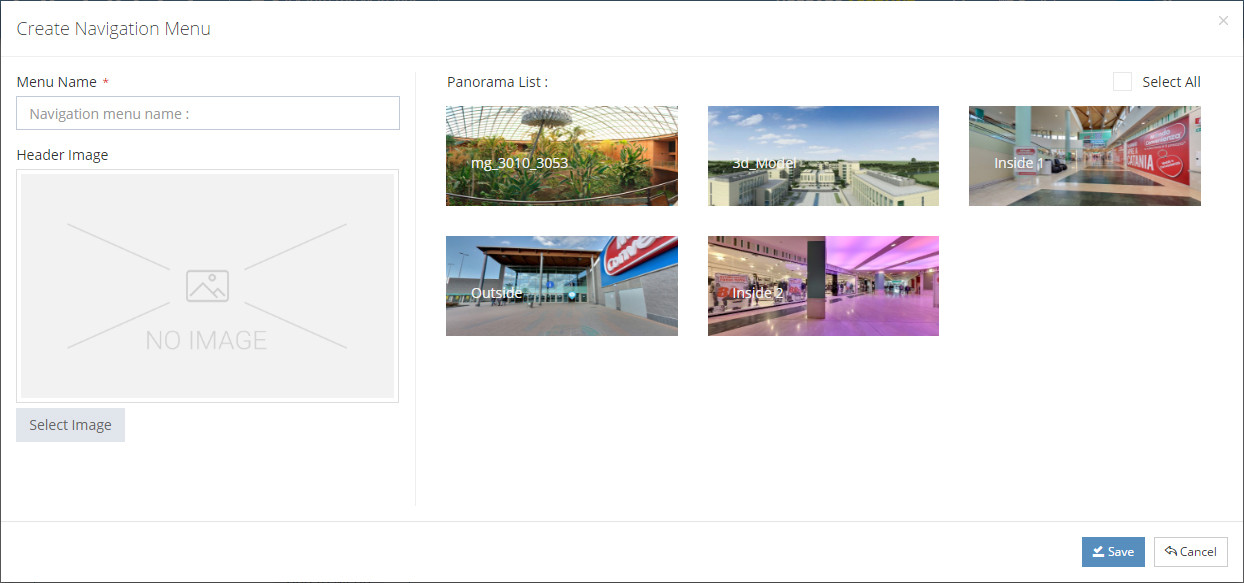
In this modal, you can insert name of your navigation menu, image on the top and select panoramas from the list.