
|
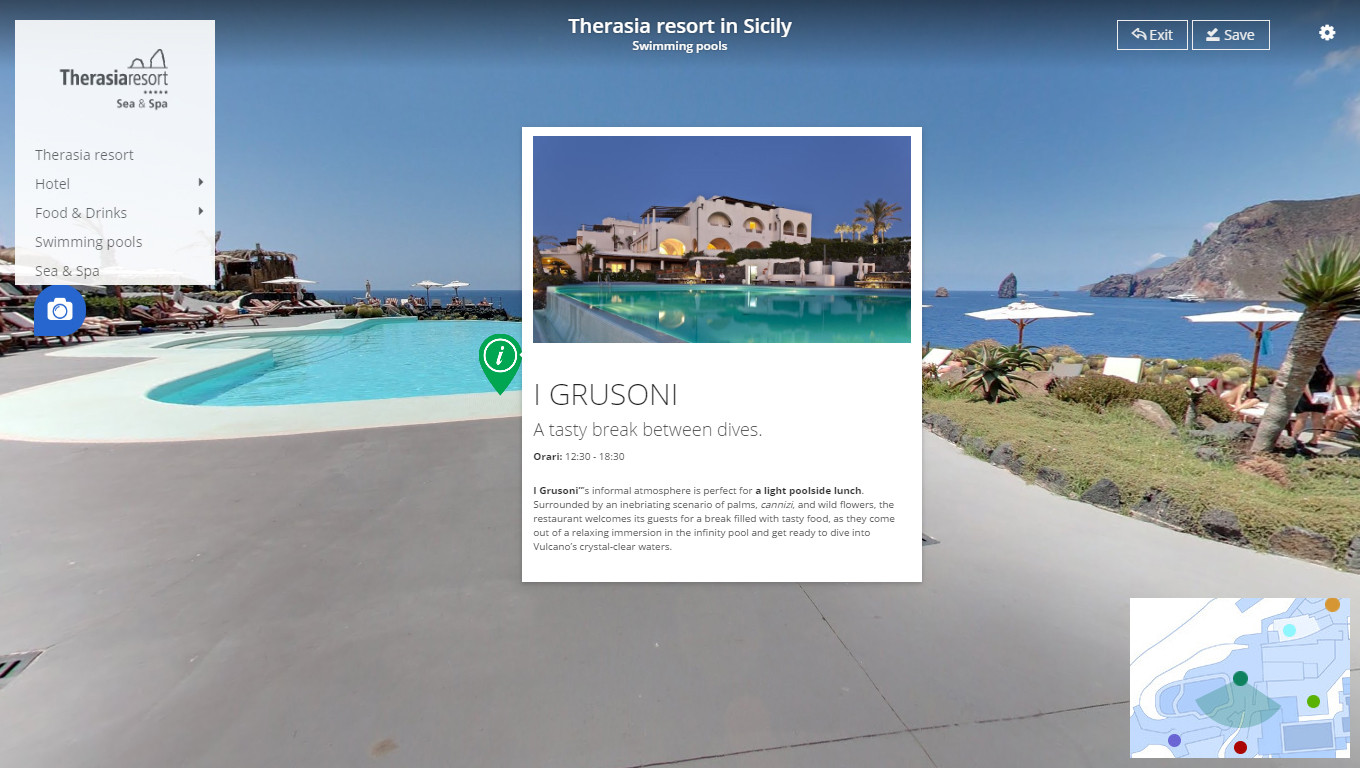
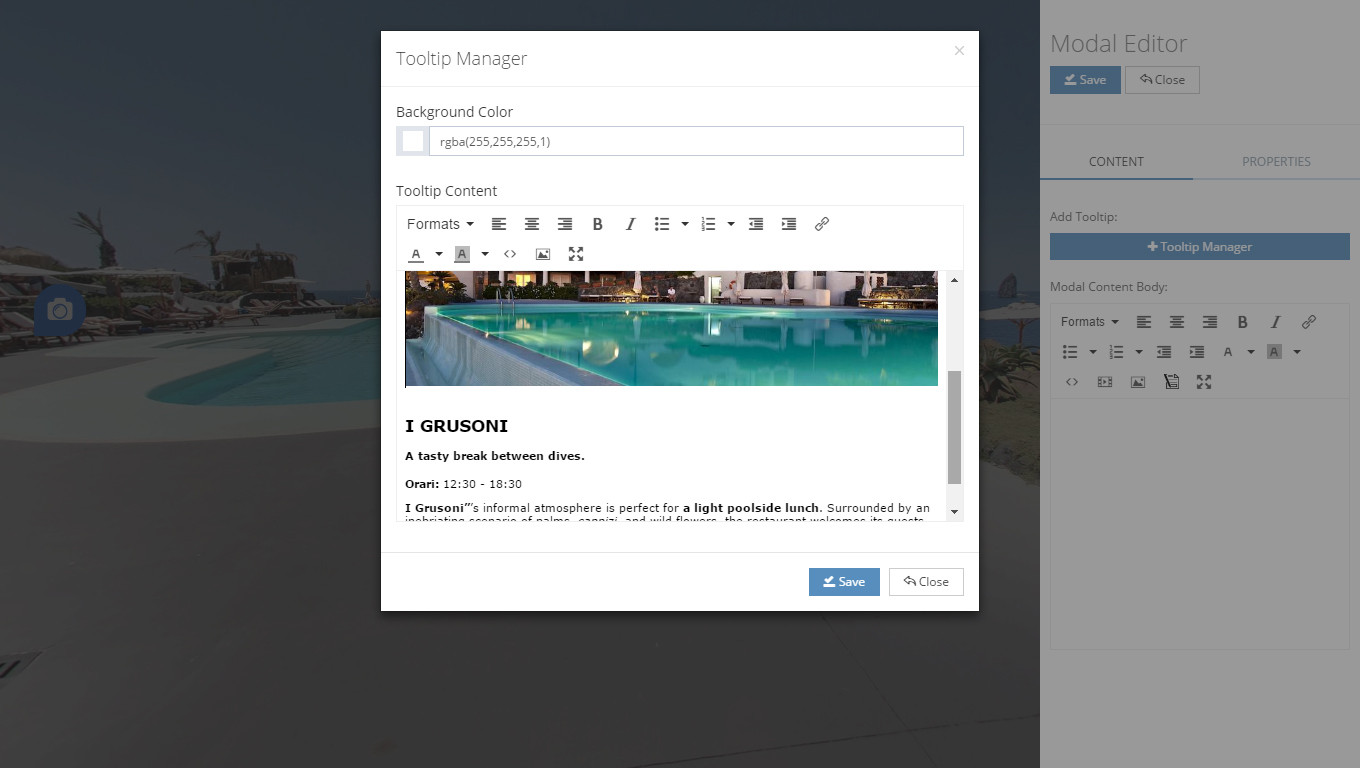
Tooltip manager If you want to show your content as "Tooltip" window, you can click on the Tooltip Manager button located in Modal content section. On the Tooltip Manager section, there is a 2 field which is a Background Color and Tooltip Content. Background Color - From this field, you can change your tooltip background color. You can insert RGBA based color code and A is representing opacity of your tooltip background. You can insert 0 to 1 float value here. Tooltip Content - In this section, you can use TinyMCE editor to manage your tooltip contents. |
 |