
Hello, In this tutorial we will show you how to upload and use your marker image.
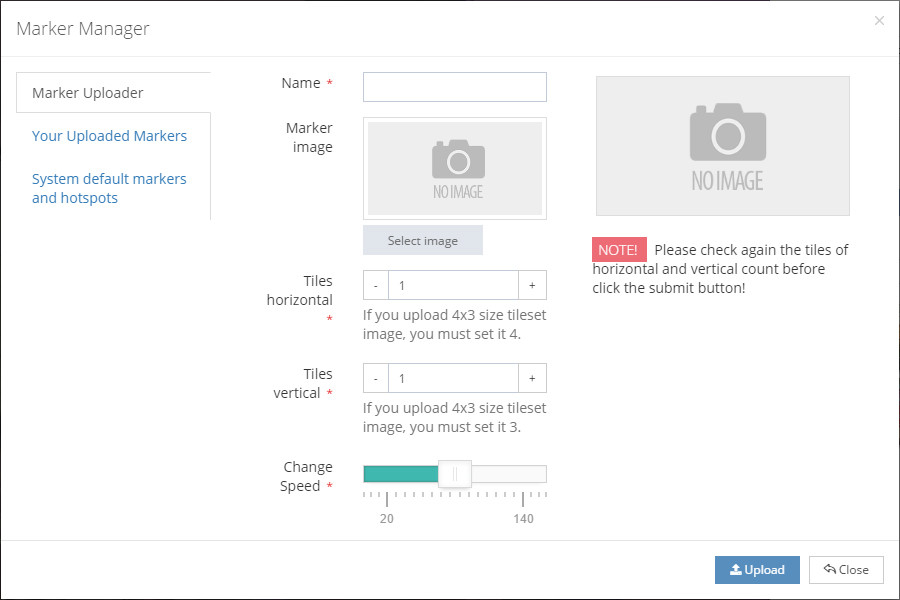 |
Marker Uploader Section In this section, you can upload your own Та энэ хэсэгт өөрийн хүссэн маркераа зурган файлаар оруулах боломжтой. Name - You must insert your marker name in this field. Because your marker name will become a unique identifier of your marker image in our server. Marker image - In this box you can upload your marker image or animated sprite image. Tiles Horizontal - This field is only used in when you want to create animated marker image.
Animated marker image needs a sprite image like image below. In this example you should make your tiles horizontal to 4. Tiles vertical - If you upload animated sprite image with more than a 1 in vertically, you should change it. But best in practice, you should keep your sprite image in 1 row vertically. Change speed - In this section, you can set your animated marker image changing speed.
|

|
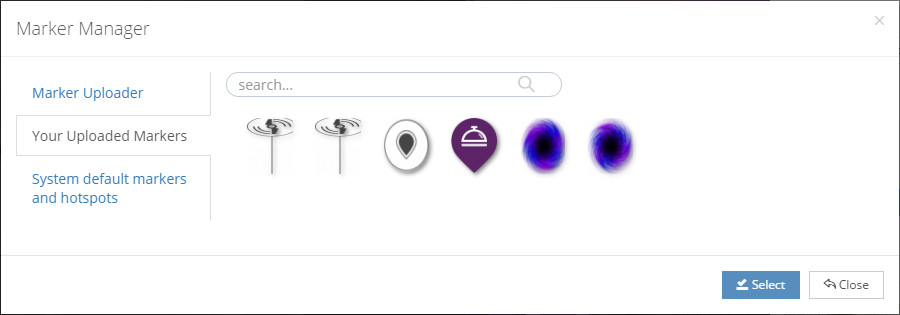
Your Uploaded marker In this section, you can find all of your uploaded markers. Those markers are only usable for your account, others can't see and use your marker. |
 |
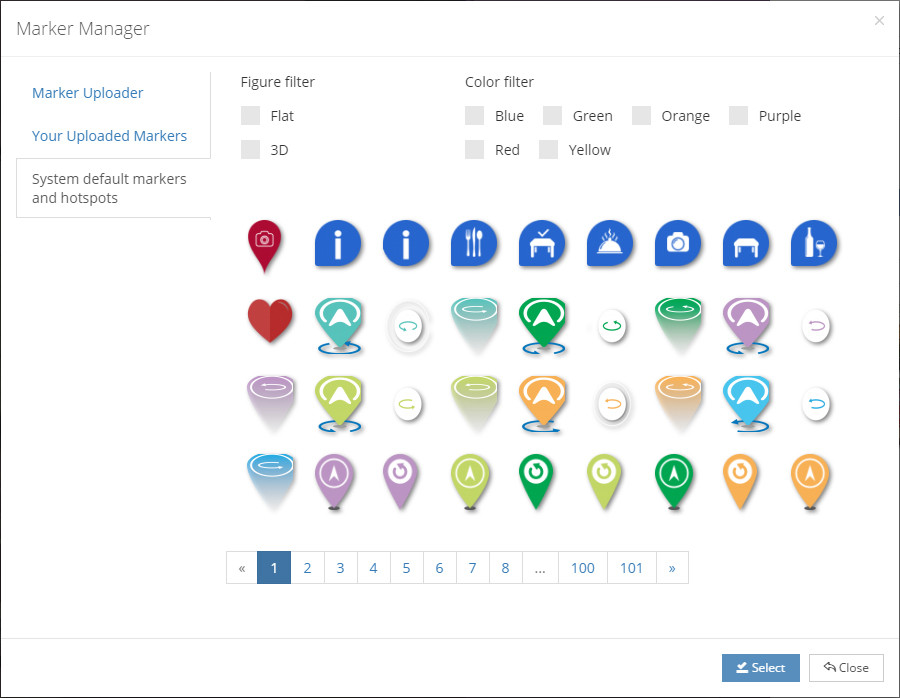 |
System default markers and hotspots We provide you a more than 2000 marker images. You can choose and use it on your virtual tour. You can use its filters to find your desired marker with color and figure. Also we will keep create new simple or animated markers into the default. |